Handheld console buying guide: retro to modern hybrids
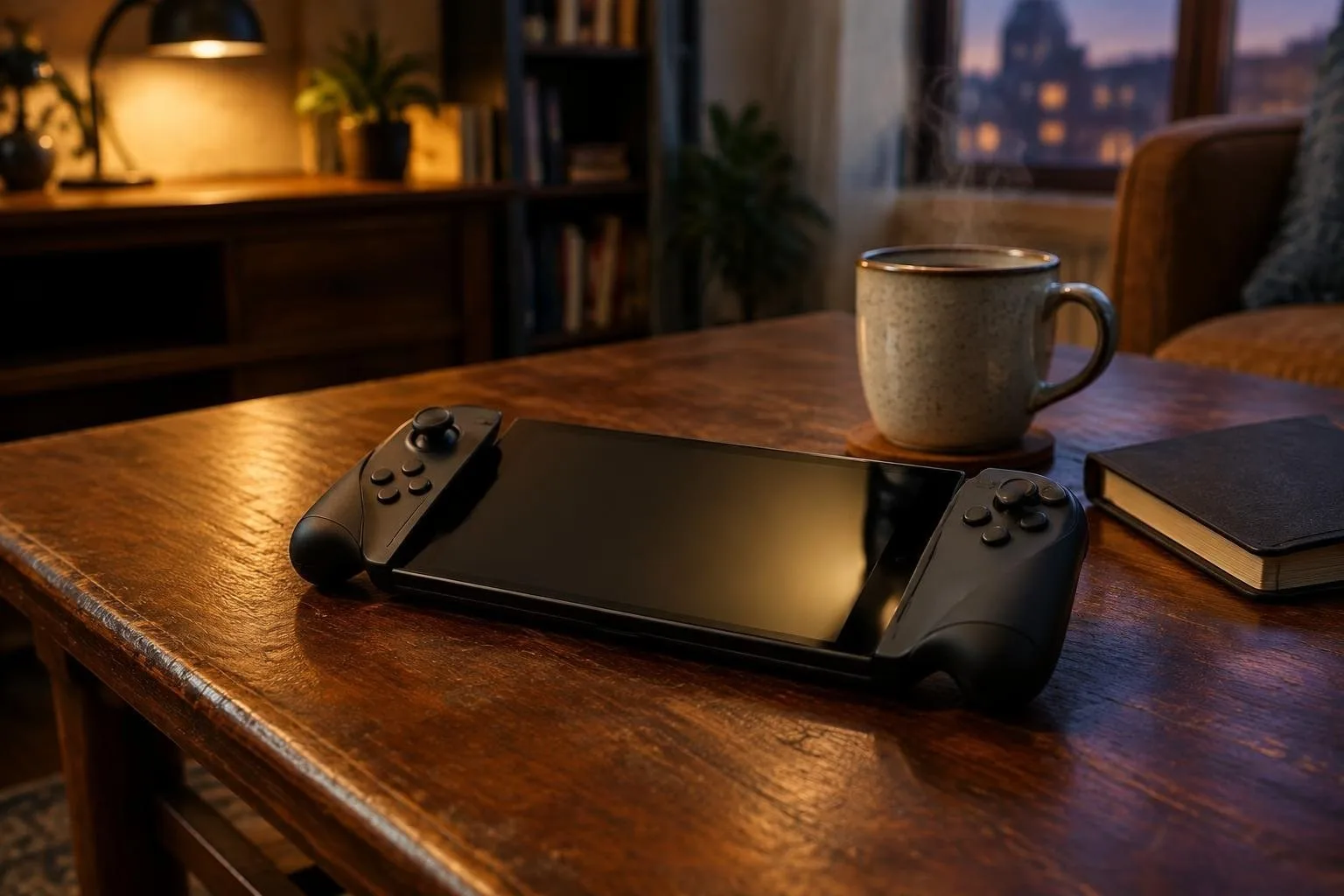
Handheld consoles combine portability with a range of hardware and software designs that affect how well they run classic emulators and native games. For the purposes of this guide, handheld means a self-contained, pocketable gaming device with integrated controls and a dedicated screen. The scope includes devices optimized for legacy systems, those built for modern native titles, and hybrids designed to span both roles.
Why choosing matters: hardware limits and software ecosystems shape user experience, from input lag and display fidelity to long play sessions and firmware longevity. This guide explains the technical trade-offs, presents a structured comparison of core categories, and offers decision trees for common user archetypes so readers can match device attributes to their priorities.
The article is organized into sections on performance tiers, ergonomics, screens and battery, operating system support, decision trees for key profiles, and a discussion of long-term maintenance. Each section includes concrete, practical points to evaluate when selecting a handheld.
Performance tiers and real-world implications
Performance tiers are useful shorthand: entry, mid, and high. Entry-tier devices typically use low-power chips that are excellent for 8-bit to 16-bit emulation and many indie native titles, but they struggle with high-resolution textures, advanced shaders, and modern 3D engines. Mid-tier handhelds balance CPU and GPU capability and run most retro systems up to sixth generation reliably while also handling many native indie and some mainstream titles at moderate settings. High-tier units employ more powerful SoCs and cooling, enabling reliable emulation of demanding systems and comfortable play with modern native games at higher fidelity. Evaluate raw CPU/GPU capability, thermal design (sustained clock), and memory bandwidth when judging a device’s tier.
Ergonomics and control layout
Ergonomics determine whether long sessions are pleasurable or fatiguing. Key elements include grip shape, button travel, stick placement, and weight distribution. For retro handheld users, tactile d-pads and responsive face buttons matter more than analog stick precision. For native 3D titles, comfortable analog sticks with low drift and trigger feel are critical. Consider the location of shoulder buttons and whether the device supports alternative controllers. Physical size affects portability: smaller units win in pocketability but can compromise long-session comfort, while larger shells improve hand support but add weight.
Screens, visuals and battery trade-offs
Screen choices affect clarity, input latency and battery. Smaller, low-resolution panels conserve power and present pixel art cleanly, which benefits classic games. Higher-resolution displays offer crisper visuals for native titles and upscaling, but they demand more GPU power and reduce battery life. Panel type matters: IPS generally provides accurate colors and wide viewing angles; OLED delivers deeper contrast and lower perceived motion blur but may require brightness management to preserve battery. Battery capacity correlates with playtime but is only meaningful when paired with system efficiency and display demands; therefore, compare estimated runtime under realistic loads rather than capacity alone.
Operating system support and ecosystem
OS choice dictates software compatibility, update cadence and community support. Some handhelds run stripped-down proprietary firmware focused on ease of use, while others adopt open or mainstream operating systems that allow native apps and community tools. Proprietary systems can offer polished user interfaces and stability, but they may limit advanced configuration. Open systems enable extensive customization, sideloading of emulators and community firmware, which matters to modders and power users. Check driver maturity for controllers, display scaling, and power management when assessing platform viability.
Decision trees by use case
Each use case maps to different priorities.
- Retro purist: prioritize accurate input and low-latency display. Choose a device with a high-quality d-pad, solid button feel, and a screen that displays pixel art without aggressive scaling. Firmware that supports per-system refresh rates and low-latency audio is important.
- Cloud-first player: prioritize network stability, battery and thermal headroom. A mid-to-high-tier SoC that can run streaming clients smoothly and a display with moderate resolution (to reduce decoding load) will serve best. Verify reliable Wi-Fi and optional wired adapters for low-latency sessions.
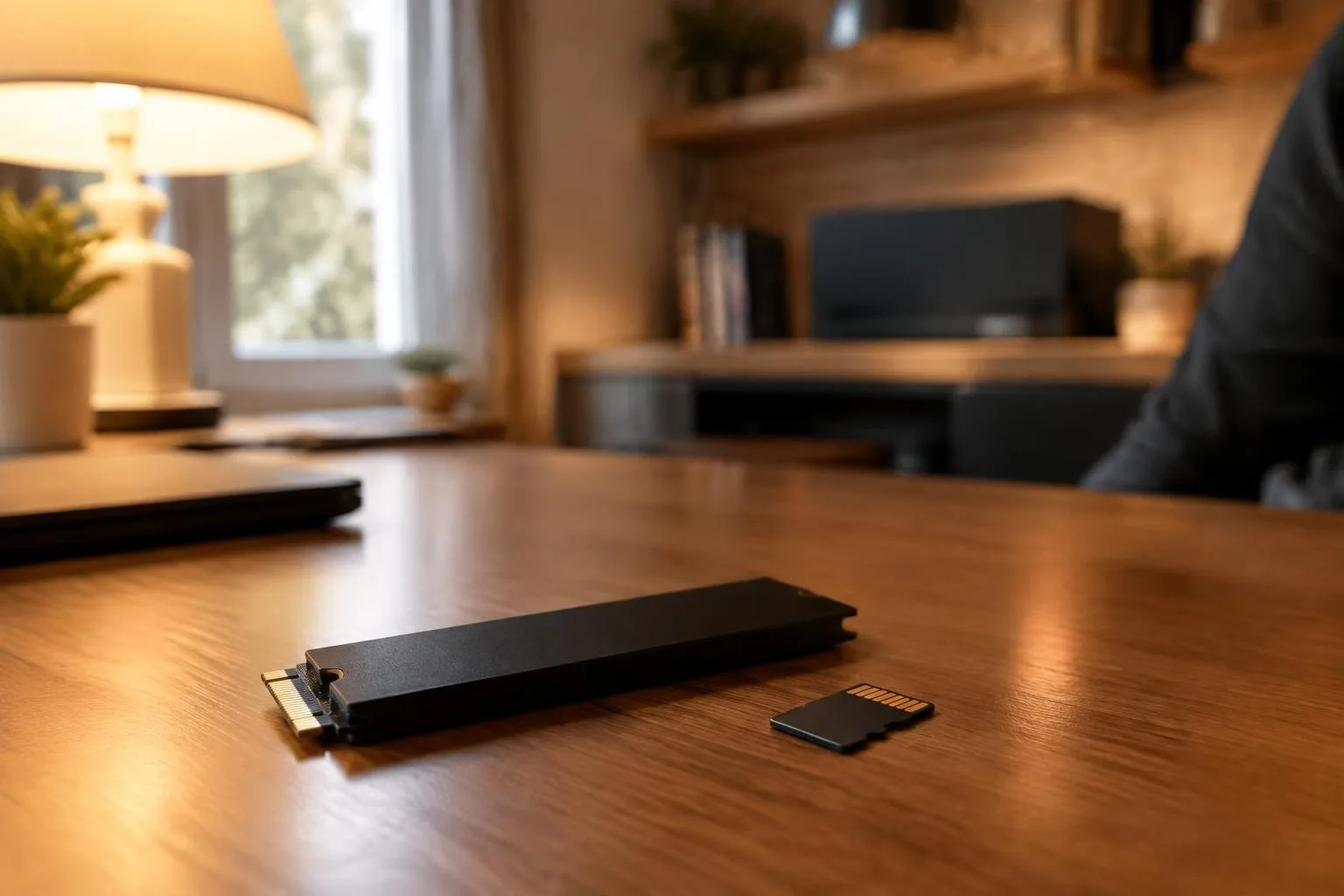
- Modder and power user: prioritize an open OS, easy hardware access, and a vibrant community. Look for devices with documented bootloaders, replaceable storage, and modular components to enable upgrades and repairs.
Long-term maintenance and ownership factors
Maintenance considerations shape lifetime value. Replaceable batteries, availability of spare parts, and a clear path to firmware updates reduce obsolescence. Devices with widespread community support benefit from extended functionality through custom firmware and driver improvements. Consider repairability: simple internal layouts, standard screws, and accessible connectors make DIY repairs feasible. Warranty terms, official service options and the presence of a developer or hobbyist community affect long-term usability.
Insights and exceptions
Some hybrids blur category lines: handhelds optimized for emulation can be modified to run native titles acceptably when cooled and paired with performance-tuned firmware, while some modern-native units can run older systems perfectly once proper input and upscaling settings are applied. Exceptions occur when niche designs prioritize aesthetics over ergonomics or when OS limitations block popular emulators; verify the device against the specific systems and games a buyer intends to use.
For a practical next step, assemble a short checklist based on personal priorities: target systems, preferred controls, acceptable size and weight, screen preference, and whether openness matters. Use the checklist to compare candidate units side by side, and factor in potential repair pathways and community resources before committing to purchase.