
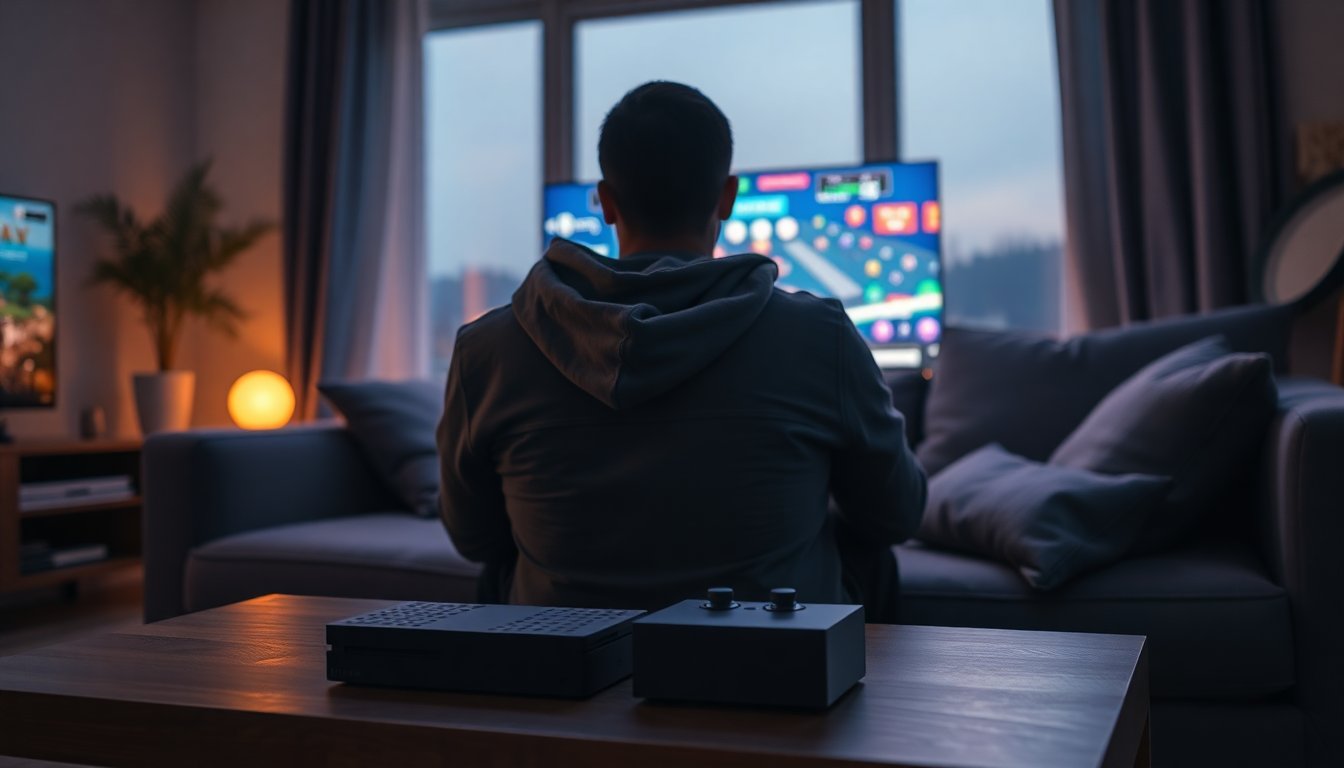
The idea of a modern device that instantly recreates arcade halls and living-room cartridge sessions is no longer a dream: in 2026 small, ready-to-play units put decades of games on your screen. These compact boxes and handhelds are designed to be plug-and-play, removing the need to tinker with BIOS files or hunt down compatible ROMs. With one connector to your TV or a built-in display you get immediate access to a library curated for convenience and nostalgia. The retro console experience is now focused on accessibility, and the goal is simple: press power, choose a title, and play — the way many of us remember it, only faster and more reliable than ever.
Behind that immediate gratification there are a few key technologies that make it possible. Devices rely on a System on a Chip to emulate multiple platforms, and storage is handled via a removable micro-SD card that contains the operating system and game files. Software builds such as EmuELEC or ArkOS act as the menu and launcher, while emulation cores reproduce everything from coin-op fighters to 16-bit platformers. Manufacturers like 2Bluebox package thousands of preloaded games to avoid the legal and technical pitfalls of manual downloads, delivering a consumer-friendly product out of the box.
What a built-in retro console actually is
A built-in unit is essentially a preconfigured emulation appliance: a compact piece of hardware with a preinstalled operating system and a massive library of ROMs. The crucial component is the SoC, which integrates CPU, GPU, and memory controllers into a single chip tuned for 2D and light 3D workloads. The emulation layer translates old system instructions so heritage titles run on modern silicon, while a formatted micro-SD stores both the OS and the game images. The benefits are immediate: no downloads from unknown sites, built-in compatibility testing, and convenience features like universal search, savestates, and controller mapping that the originals lacked.
Highlighted models
Game Stick Pro 4K (TV dongle)
The Game Stick Pro 4K is aimed at living-room play: a compact HDMI dongle that transforms a TV into a retro console with over 20,000 titles preinstalled and an advertised price of $59.98 USD. It outputs via 4K upscaling for modern displays, includes dual 2.4GHz wireless gamepads, and uses a dual-core Cortex-A7 processor tuned for classic 2D and early 3D games (a spec cited in RetroDodo coverage). The unit emphasizes zero-setup operation — plug in the stick, pair the pad, and browse decades of arcade, 8-bit, 16-bit and early 3D catalogs on your TV without manual configuration.
R36S handheld (portable)
The R36S trades the HDMI stick form factor for a pocketable console with a 3.5-inch IPS display (640×480) and more focus on on-the-go gaming. Priced at $79.99 USD, it ships with roughly 15,000+ preloaded games, dual analog sticks, and a Rockchip RK3326 quad-core chipset capable of handling many PS1 and N64-era titles. A 2900mAh battery delivers around 4–6 hours of play depending on brightness and workload, and the screen scaling targets pixel-accurate rendering to preserve the look of classic titles while offering portable convenience.
Library, operation and common fixes
Collections on these devices tend to include arcade classics, full NES/Master System sets, comprehensive SNES and Genesis libraries, and a large portion of PS1-era software — all organized inside a simple menu. Typical operation is fast: boot times hover around 15 seconds, navigation is handled with a D-pad and face buttons, and an integrated search function helps find titles quickly. For progress retention, both devices support save states; the standard method to store a state is pressing SELECT + START together and choosing a slot, which lets you resume exactly where you left off. If controllers won’t pair, try fresh alkaline batteries or replug the USB dongle; audio lag is often fixed by enabling the TV’s game mode and supplying the stick with a stable 5V/2A adapter; missing games usually indicate a seating issue with the micro-SD card.
Choosing between stick and handheld, and post-purchase support
Deciding which model fits you depends on use case: the stick is ideal for shared, living-room sessions with wireless pads and a large screen, while the handheld is for commuting, travel, and solo play. The stick lists more games (about 20,000+) versus the handheld’s ~15,000+, and prices reflect that split. Both devices operate offline out of the box, but they allow users to add personal ROMs by removing the micro-SD and copying files on a PC. Brands like 2Bluebox advertise global shipping, unit testing to remove corrupt files, and a limited warranty for hardware defects, making them a practical option for anyone who wants hassle-free access to retro libraries without deep technical setup.


