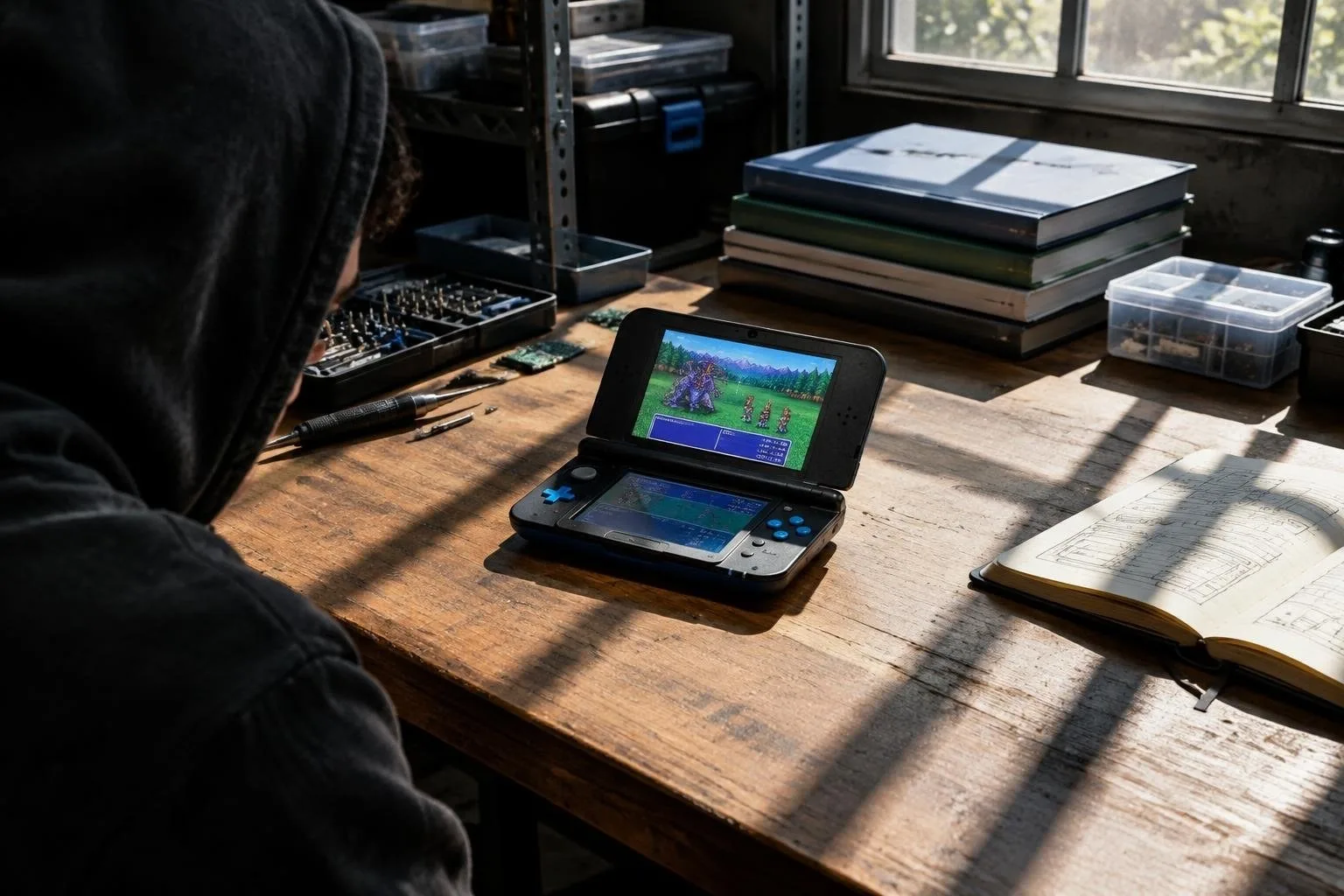
The snes9x emulator for 3ds is a high-compatibility emulator that allows you to play a wide range of classic games on your handheld console. With its ability to run games at 60 fps, it provides a seamless gaming experience. The emulator supports games that use the CX4 chip, SDD-1 chip, and SuperFX chip, making it a great option for fans of classic games.
The snes9x emulator is available for both the Old 3ds and New 3ds, with the latter providing faster performance. To use the emulator, simply copy the snes9x_3ds.3dsx and snes9x_3ds.smdh files to your SD card and launch the emulator from the Homebrew Launcher. You can also install the CIA version using your favorite CIA installer.
Features and compatibility
The snes9x emulator supports a wide range of features, including graphic modes 0-7, save states, and cheats. It also supports CSND for audio and has a frame skipping feature to ensure smooth gameplay. The emulator is compatible with a variety of ROM formats, including .SFC, .SMC, and .FIG.
Setup and usage
To set up the snes9x emulator, simply copy your ROM files to any folder on your SD card and launch the emulator. You can then select your desired game from the ROM selection menu and start playing. The emulator also has a menu system that allows you to configure various settings, such as in-frame palette changes and SRAM auto-save delay.
Troubleshooting and FAQs
If you encounter any issues with the snes9x emulator, you can refer to the FAQs section for troubleshooting tips. Some common issues include color issues with certain games and sound synchronization problems when closing the lid of your 3ds. You can also report any bugs or provide feedback to the developer through the GitHub page.