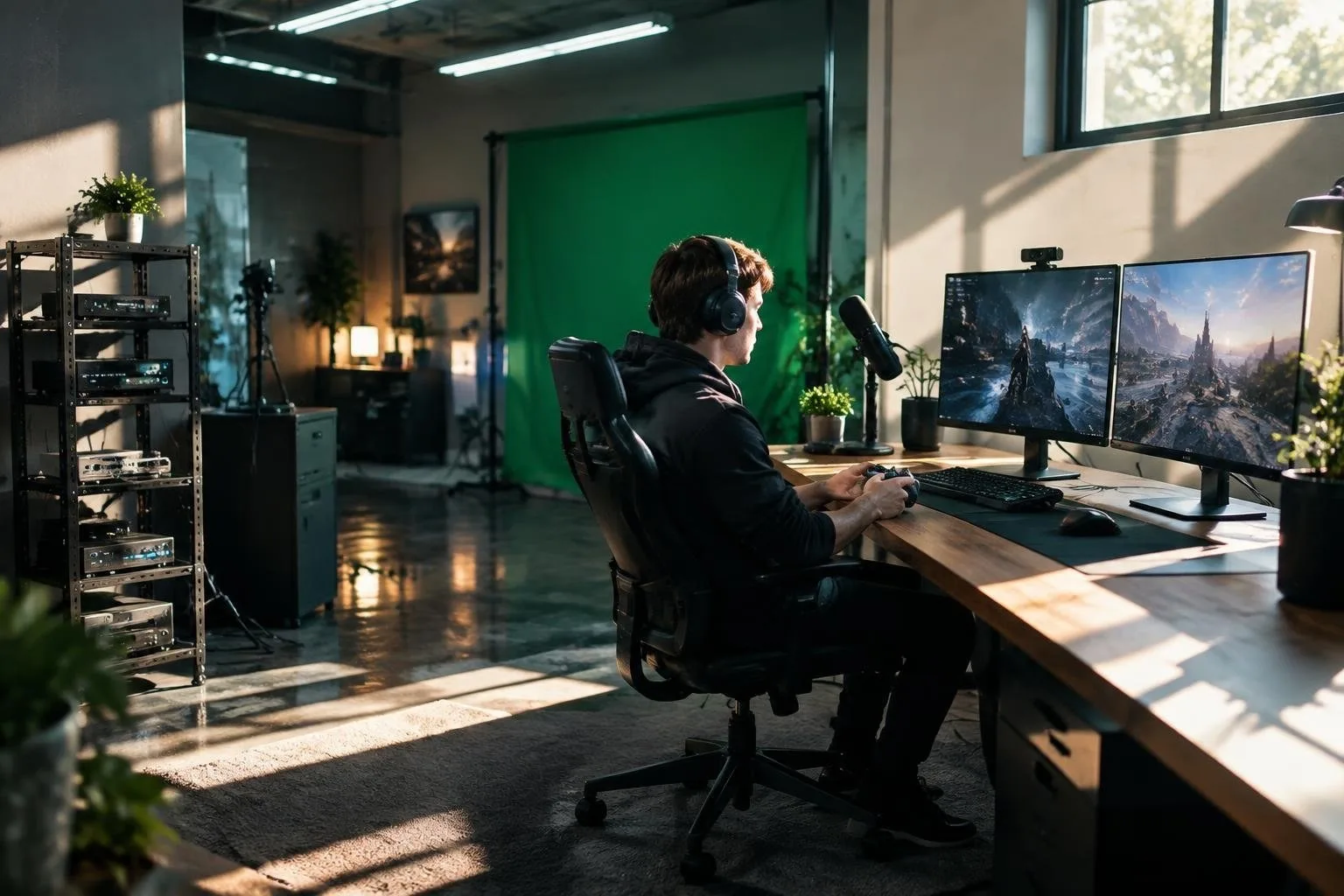
Streaming games on platforms like Twitch or YouTube requires a combination of technical skills and attention to detail. To help you improve your streaming quality, we’ll dive into the world of mic gain, encoder presets, and scene design.
When it comes to streaming, having the right equipment is crucial. This includes a good quality microphone, a powerful computer, and a stable internet connection. However, it’s not just about the hardware – software settings and workflow optimization play a significant role in determining the overall quality of your stream.
Setting up your stream
To start streaming like a pro, you need to set up your stream. This involves adjusting your mic gain to the optimal level, usually around 50-60% of the maximum gain. You should also experiment with different encoder presets to find the one that works best for your system and internet connection.
A well-designed scene is also essential for a professional-looking stream. This includes choosing the right overlay, alerts, and widgets to enhance the viewer’s experience. You can use tools like OBS or XSplit to customize your scene and make it more engaging.
Optimizing your stream
Once you have your stream set up, it’s time to optimize it for the best performance. This involves latency trade-offs, where you balance the delay between your actions and the viewer’s experience. You should also tweak your network QoS settings to ensure a stable and smooth stream.
Another important aspect is network QoS tweaks. This involves setting up your router to prioritize your stream’s traffic, ensuring that your stream is not interrupted by other online activities. You can use tools like NetLimiter or GlassWire to monitor and control your network traffic.
Pre-stream checklist
Before you go live, it’s essential to run through a pre-stream checklist to ensure everything is working as it should. This includes checking your mic gain, encoder settings, and internet connection. You should also test your stream’s video quality and audio quality to ensure they are up to par.
By following these tips and tricks, you can take your game streaming to the next level and provide a professional-quality experience for your viewers. Remember to always test and adjust your settings to ensure the best possible performance.
Putting it all together
With the right equipment, software settings, and workflow optimization, you can create a high-quality stream that engages and retains your audience. Don’t forget to monitor your stream’s performance and make adjustments as needed to ensure the best possible experience for your viewers.